A pattern featuring green and white polka dots arranged uniformly across the surface.

AI agents

AI that takes care of the real work

AI that takes care of the real work

Delegate manual tasks to intelligent automation agents so your team can fully focus on core strategy and growth.

Delegate manual tasks to intelligent automation agents so your team can fully focus on core strategy and growth.

An illustration in the app outlines the customer journey, showcasing various touchpoints and user experiences.

Automation infrastructure

Design and automate workflows without friction

Create, customize, and scale your workflows from a single place powered by AI to move faster and work smarter.

Automate decisions with AI

Let AI intelligently and autonomously choose the next action based on context, behavior, and real-time data signals.

Reduce manual workload

Repetitive tasks like follow-ups, tagging, routing, and updates are handled entirely automatically, saving your team.

Stay focused on strategy

Your team spends more time on high-impact thinking and growth initiatives instead of repetitive admin work.

Consistent execution

Every workflow runs consistently, eliminating errors and variations, so your team can focus on growth more now.

Real use cases

Streamline support workflows with automation

Handle incoming requests, prioritize tickets, and automate responses to deliver faster and more consistent support.

 A monochrome design showcasing small dots arranged in a repetitive pattern against a white backdrop.
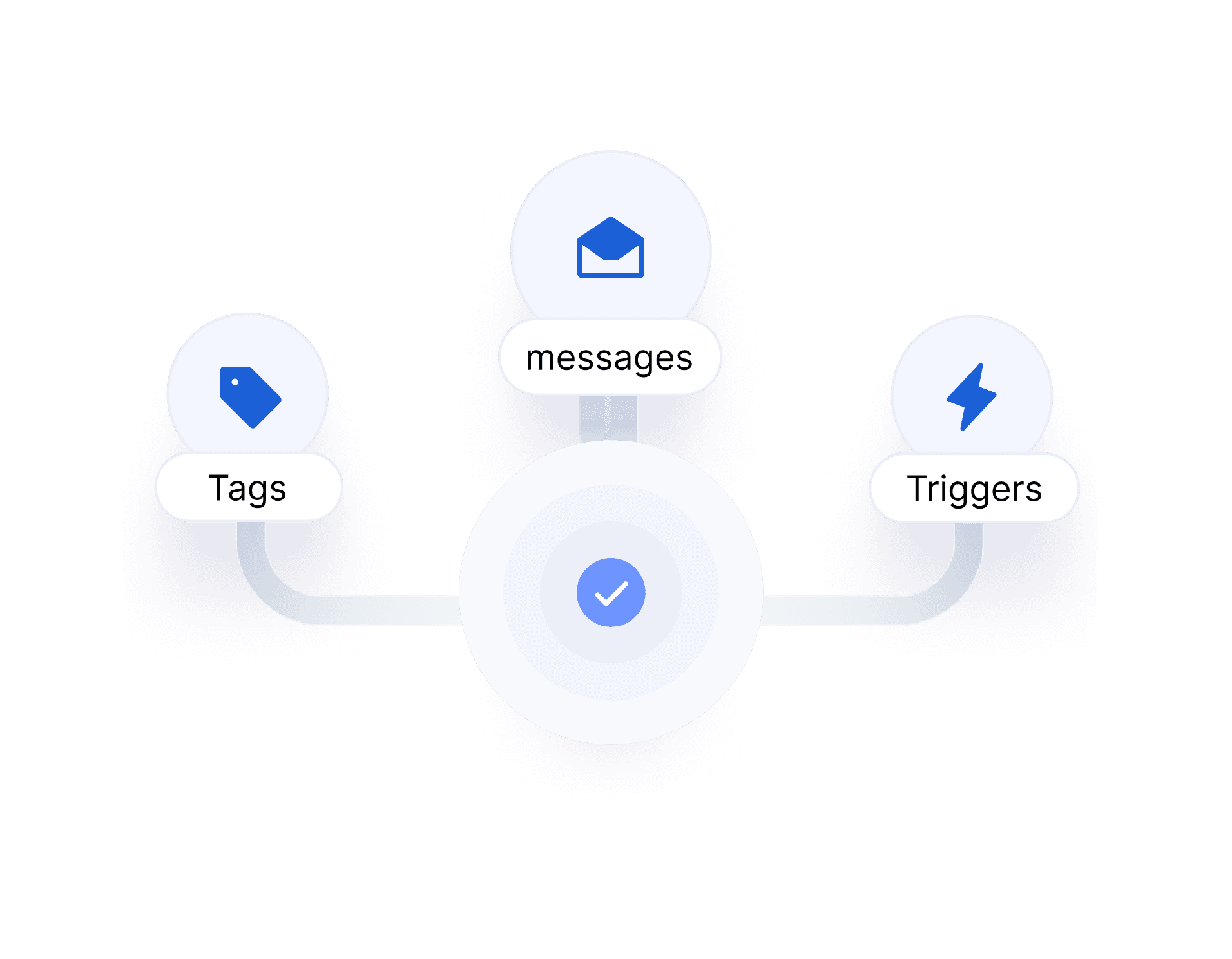
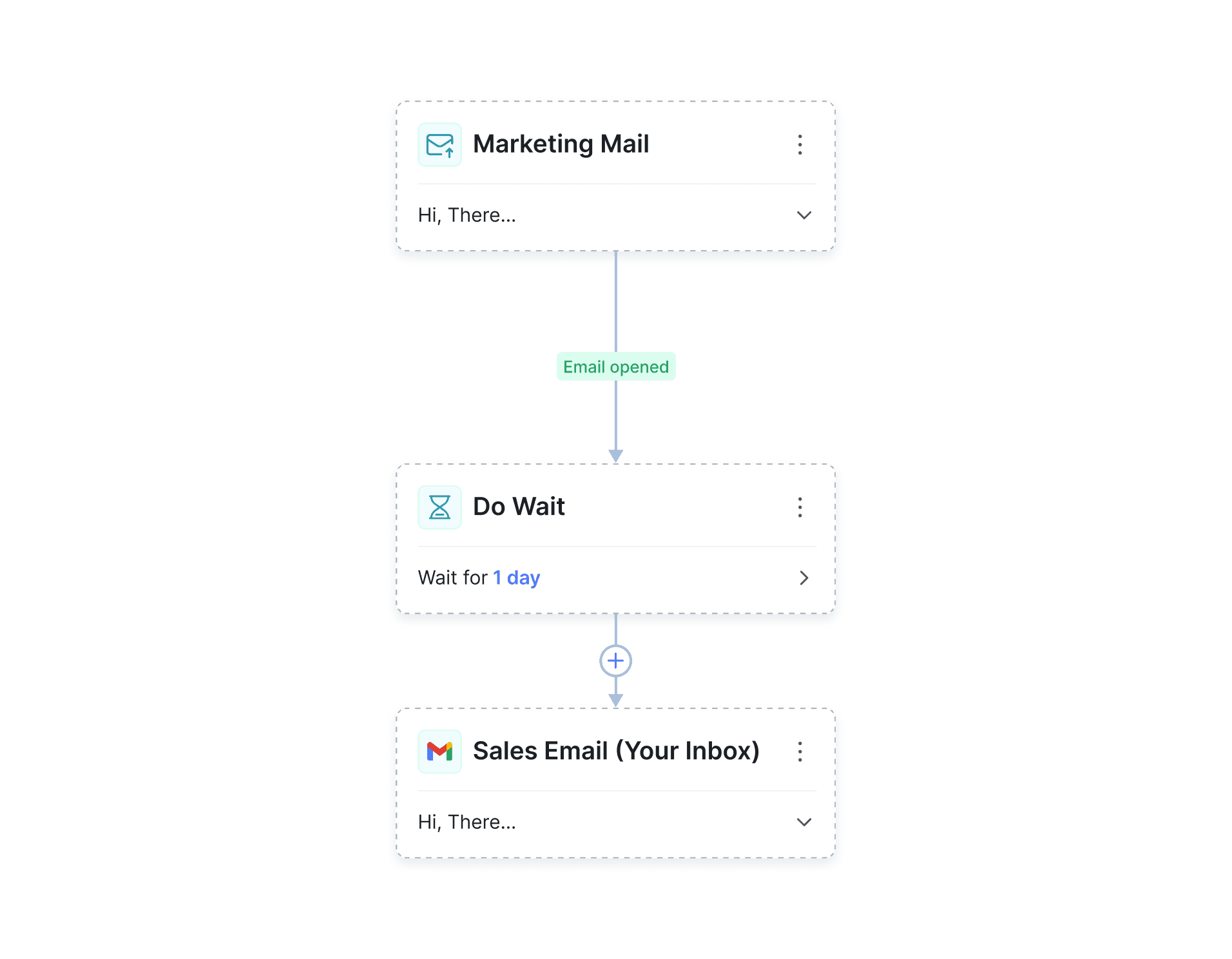
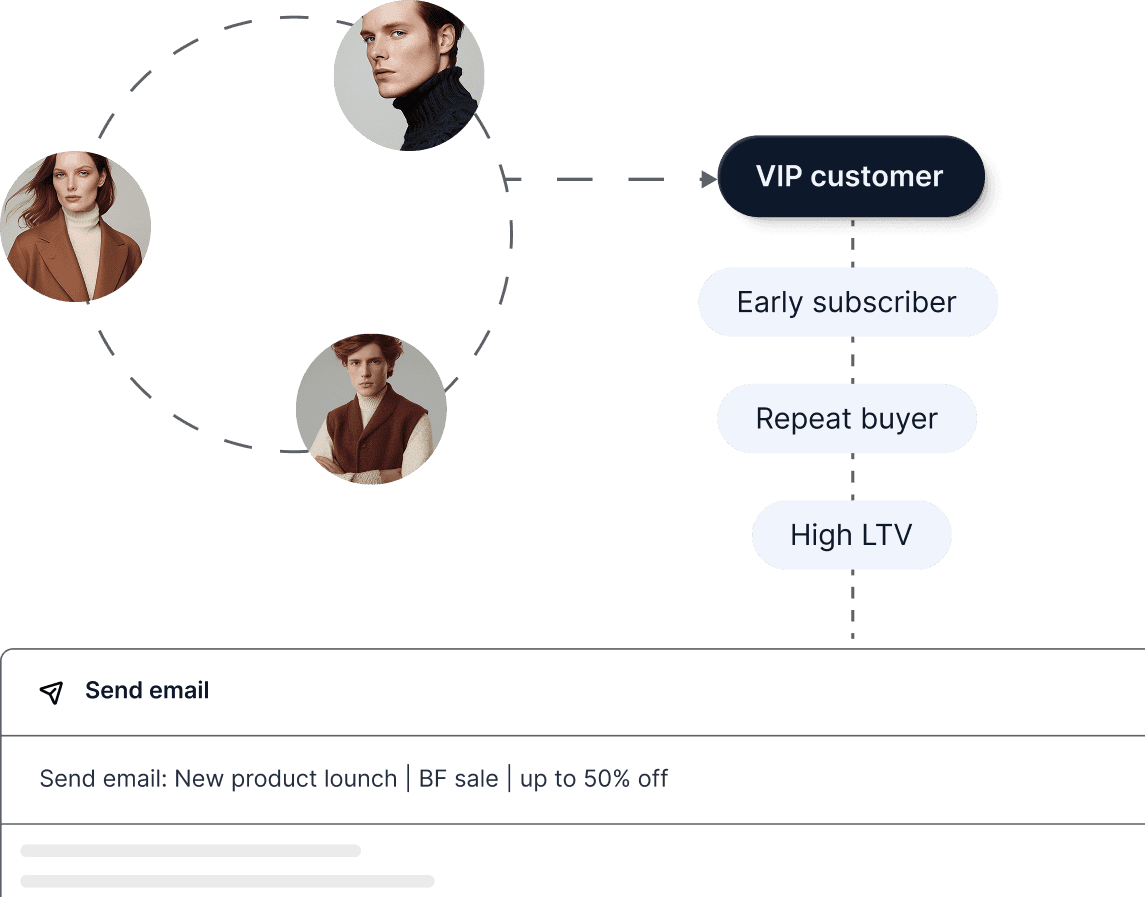
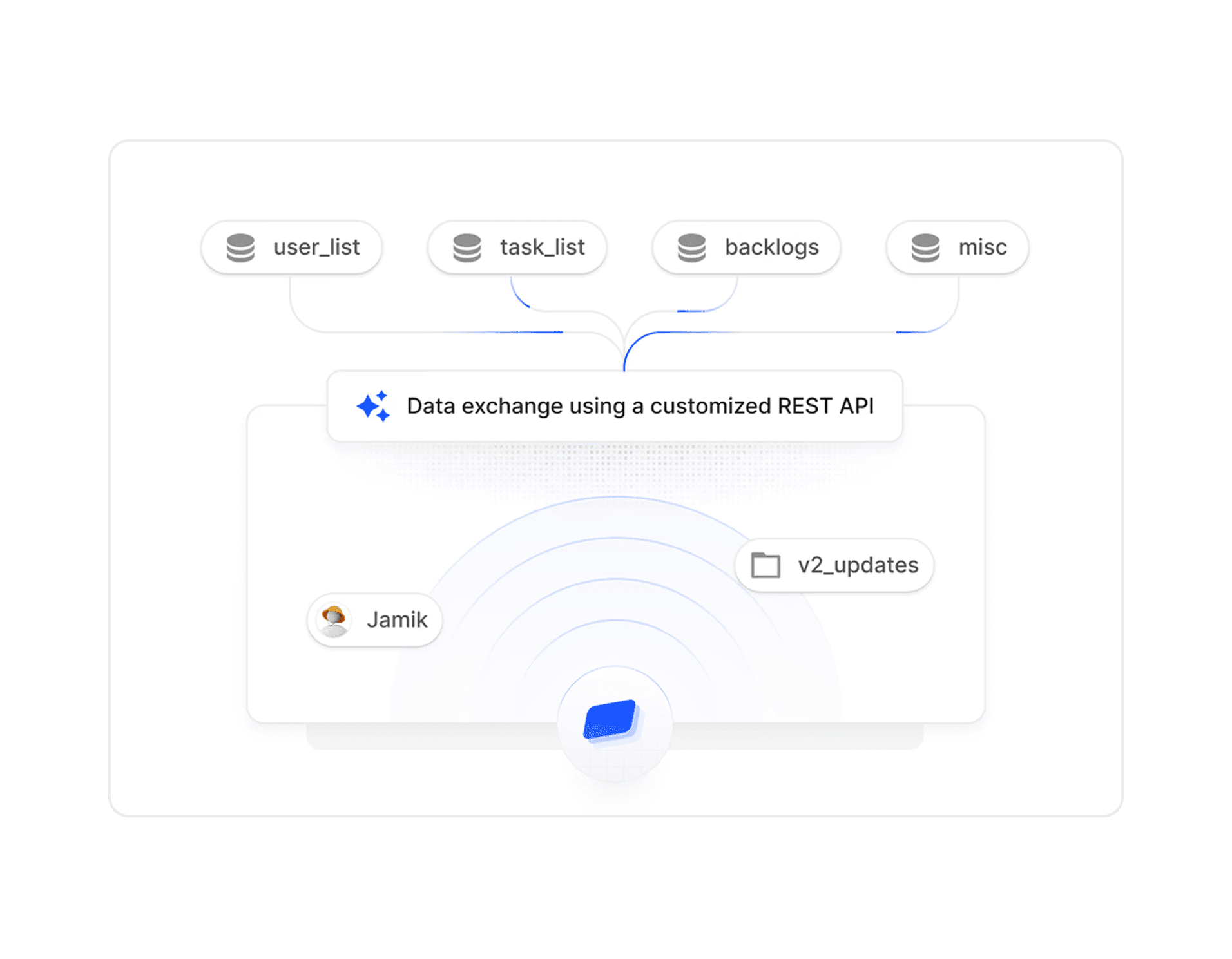
A user interface element displaying a content box with an "Add Content" button.
Next workflow screen illustrating the sequential steps needed to finalize the task.
Diagram depicting the stages of an email marketing campaign, from strategy development to performance evaluation.

1.

AI analyzes context

ClovesAI continuously and automatically analyzes user behavior, live data, and triggers across your tools to gain insights.

2.

Decides next action

Based on context, the AI intelligently decides whether to route leads, apply tags, send messages, or trigger.

3.

Executes instantly

Emails, tasks, updates, and actions are executed in real time—without delays, manual intervention, or extra configuration.

 A monochrome design showcasing small dots arranged in a repetitive pattern against a white backdrop.
A user interface element displaying a content box with an "Add Content" button.
Next workflow screen illustrating the sequential steps needed to finalize the task.
Diagram depicting the stages of an email marketing campaign, from strategy development to performance evaluation.

1.

AI analyzes context

ClovesAI continuously and automatically analyzes user behavior, live data, and triggers across your tools to gain insights.

2.

Decides next action

Based on context, the AI intelligently decides whether to route leads, apply tags, send messages, or trigger.

3.

Executes instantly

Emails, tasks, updates, and actions are executed in real time—without delays, manual intervention, or extra configuration.

 A monochrome design showcasing small dots arranged in a repetitive pattern against a white backdrop.
A user interface element displaying a content box with an "Add Content" button.
Next workflow screen illustrating the sequential steps needed to finalize the task.
Diagram depicting the stages of an email marketing campaign, from strategy development to performance evaluation.

1.

AI analyzes context

ClovesAI continuously and automatically analyzes user behavior, live data, and triggers across your tools to gain insights.

2.

Decides next action

Based on context, the AI intelligently decides whether to route leads, apply tags, send messages, or trigger.

3.

Executes instantly

Emails, tasks, updates, and actions are executed in real time—without delays, manual intervention, or extra configuration.

Global impact

Real automation impact from real Cloves users

See how AI-powered workflows improve efficiency, increase revenue, and reduce manual workload across teams.

The CoreOS logo against a solid black background, highlighting its modern and sleek appearance.

“Cloves cut our manual work by more than 60%. We automate entire workflows while talking to customers, and the speed is unbelievable, saving hours every single day and boosting team productivity overall.”

Daniel Carter

Growth Manager

A professional woman in a business suit stands before a computer, poised for a task or meeting.
EasyTax logo against a white background, showcasing a professional and clean aesthetic.

“Cloves reduced manual work significantly. We automate workflows and respond faster than ever.”

A professional woman in a brown suit and glasses, exuding confidence and poise.
enlabs logo, representing a company that offers software and services tailored for the medical sector.

“Our team adopted Cloves quickly. The workflow feels natural and it removed a lot of operational friction.”

Foresight logo displayed prominently on a black background.

"Cloves is a powerful AI chat solution for businesses. Onboarding is fast, training is easy, and answers are accurate. A scalable tool we highly recommend globally."

Priya Sharma

Product Lead

0+

Countries

Active teams running workflows globally

0M+

Automations

Workflows executed every month

0+

Hours saved

Every manual work eliminated annually.

 Logo featuring an orange and black design representing the company’s brand identity.
he Seven logo displayed prominently within a bright yellow circle.
A square app icon displaying a grid of colorful squares arranged neatly.
App icon displayed in blue and white, characterized by a contemporary design.
 Bright sun icon against a bold orange backdrop, representing sunny weather and positivity.
Blue app icon featuring a prominent lightning bolt, representing speed or electricity.

Integrations

Connect with the daily tools you already use

Gray icon for the app, showcasing a circular element in the middle.
 Icon for the app, showcasing a unique design that reflects its functionality and brand identity.
Blue icon representing the app, consisting of three squares aligned together.
A cube icon set against a black background, highlighting its three-dimensional form.
A green backdrop with a bold "G" logo, symbolizing brand identity and recognition.
The letter "m" logo displayed prominently on a vibrant pink background.
App icon displayed in blue and white, characterized by a contemporary design.
A dark background adorned with numerous blue dots, creating a starry effect.

Cloves easily automates your steps

Connect your favorite tools, automate tasks, and let AI run complex workflows behind the scenes faster and smarter.

Create a free website with Framer, the website builder loved by startups, designers and agencies.